Top 6 AI Tools Every Software Developer Should Use in 2026 To Boost Productivity
Artificial Intelligence has become a core pillar of modern software development. In 2026, AI tools are no longer just helpers, they actively support developers in thinking better, coding faster, debugging smarter, and shipping products with confidence.
In this article, we explore 6 carefully selected AI tools that genuinely improve a developer’s workflow. Whether you’re a beginner or an experienced engineer, these tools can help you work smarter — not harder.
1. ChatGPT
Best for: Ideation, system design, debugging, documentation, learning
ChatGPT is a powerful thinking partner for software developers. Beyond writing code, it excels at breaking down problems, explaining concepts, and helping you reason through solutions.
Why Developers Love It
- Explains complex topics in simple language
- Helps design systems and application architecture
- Generates example code and test cases
- Excellent for learning new frameworks and APIs
Common Use Cases
- Planning projects and features
- Debugging logic and error messages
- Writing technical documentation and blog content
- Generating prompts for other AI tools
👉 Try it here: Chatgpt
2. GitHub Copilot
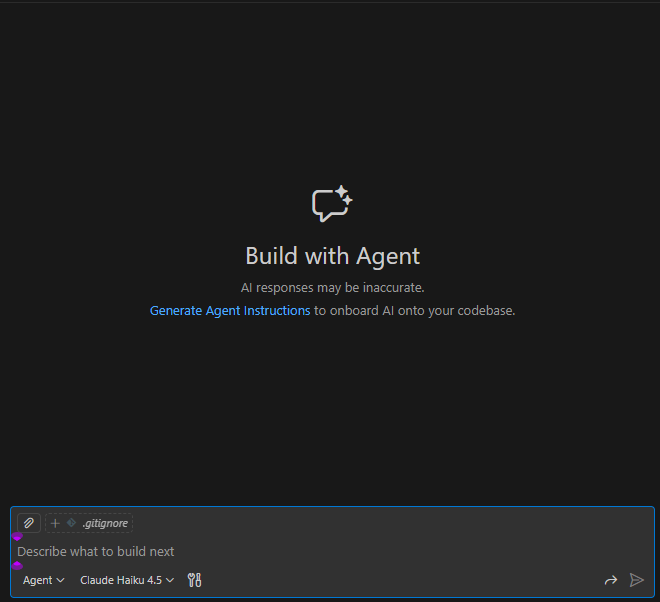
Best for: Writing code faster inside your editor
GitHub Copilot works directly inside your code editor and suggests real-time code completions as you type. Think of it as an AI pair programmer that understands context.
Why Developers Love It
- Speeds up coding dramatically
- Reduces repetitive boilerplate
- Supports many languages and frameworks
- Learns from the surrounding code
Common Use Cases
- Writing functions and components faster
- Refactoring existing code
- Generating tests and configuration files
👉 Try it here: Copilot
Requires GitHub account (free trial available)
3. Cursor AI

Best for: AI-first coding and beginners
Cursor is a modern code editor with AI deeply integrated into the development experience. You can literally talk to your codebase and ask it to make changes for you.
Why Developers Love It
- Built-in AI chat that understands your project
- Edit code using plain English instructions
- Great for beginners learning how code works
- Extremely fast for bug fixing and refactoring
Common Use Cases
- Adding features without deep coding knowledge
- Understanding unfamiliar codebases
- Fixing bugs with AI explanations
👉 Try it here: Cursor
4. Lovable.dev
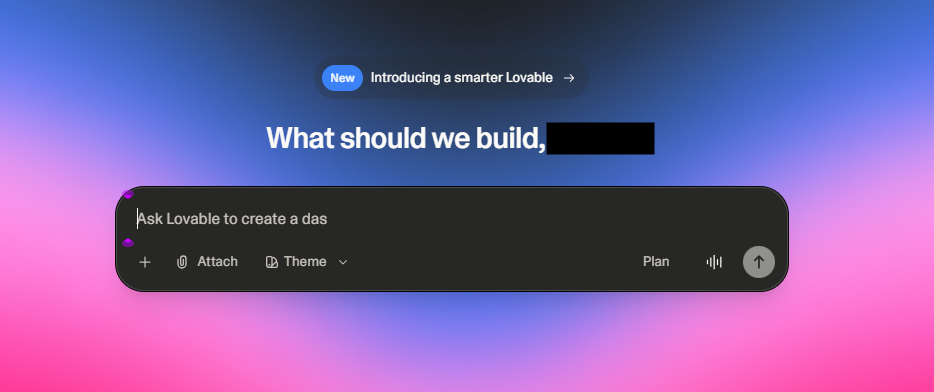
Best for: AI-generated websites and MVPs
Lovable allows you to build real, production-ready web applications using prompts. Instead of manually setting up UI, routing, and layouts, you describe what you want, and Lovable builds it.
Why Developers Love It
- Converts prompts into working web apps
- Uses modern frameworks like Next.js
- Great for MVPs and rapid prototyping
- Easy iteration using natural language
Common Use Cases
- Landing pages
- Dashboards
- Startup MVPs
- Internal tools
👉 Try it here: Lovable
⚠️ credits are limited, use wisely
5. Supabase AI
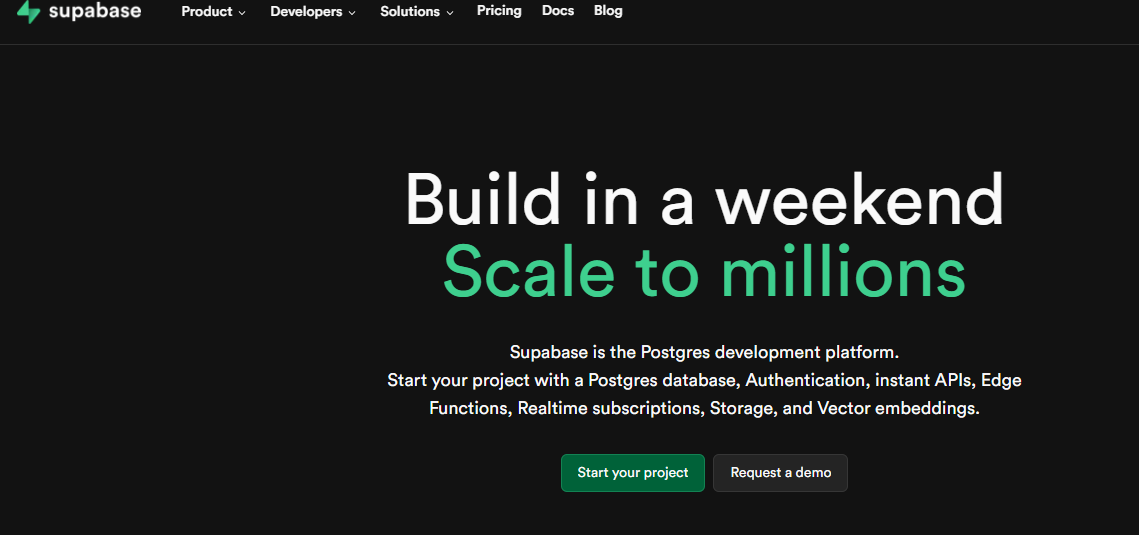
Best for: Backend, databases, and authentication
Supabase AI helps developers interact with PostgreSQL databases, authentication, and backend logic using natural language. It significantly reduces backend setup time.
Why Developers Love It
- Generate SQL queries from plain English
- Faster database setup and schema creation
- Built-in authentication and file storage
- Developer-friendly and scalable
Common Use Cases
- Building backends quickly
- Managing PostgreSQL databases
- Handling user authentication and file uploads
👉 Try it here: Supabase
6. Vercel AI SDK
Best for: AI-powered web experiences
The Vercel AI SDK makes it easy to add AI features like chat, streaming responses, and assistants into web applications, especially those built with Next.js.
Why Developers Love It
- Simplifies AI streaming and UI updates
- Optimized for modern frontend frameworks
- Production-ready performance
- Excellent developer experience
Common Use Cases
- AI chat interfaces
- Smart forms and assistants
- AI-driven content tools
👉 Try it here: Vercel
Final Thoughts
AI tools are no longer optional for developers in 2026. When used correctly, they help you:
- Build faster
- Learn continuously
- Reduce bugs and errors
- Focus on problem-solving instead of repetition
The goal isn’t to replace your skills, it’s to amplify them.
Did you find this helpful?
Join our WhatsApp community for more developer tools, career opportunities, and tech insights, or reach out via the Contact page to share your feedback.
Related Topics
Comments (0)
Leave a Comment
No comments yet. Be the first to comment!